Introduction
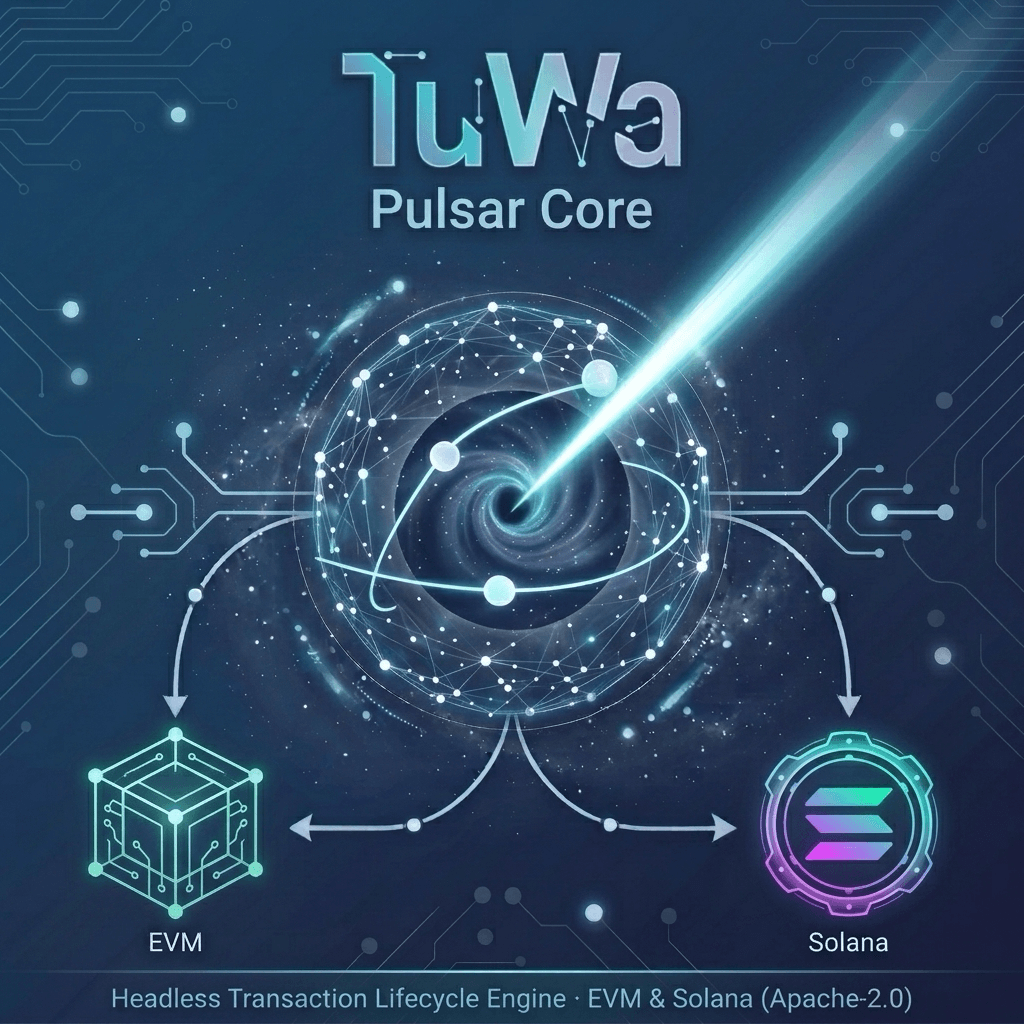
Pulsar is the transaction tracking project of TUWA Stage 2: a headless, framework-agnostic engine that follows EVM and Solana transactions from the wallet prompt to their final status. It keeps transactions in a store outside your components, persists them to localStorage, resumes tracking after a page reload and detects EVM speed-ups and cancels made in the wallet, with no UI components and no required backend.
🏛️ Where Pulsar Fits in TUWA
TUWA is built in stages. Each stage builds on the ones below it:
| Stage | Projects | Role |
|---|---|---|
| 1 — Core Auth & Primitives | SIWX , Orbit Utils | CAIP-122 authentication and multi-chain primitives |
| 2 — State & Connection | Satellite Connect , Pulsar | Wallet connection state machine and transaction tracking |
| 3 — Backend & Sync | Quasar Cloud or self-hosted Quasar Community | Transaction indexing and cross-device sync |
| 4 — User Interface | Nova UI Kit | React design system and components |
Pulsar builds on Orbit Utils (chain helpers, RPC and bundler clients). Nova Transactions renders its state as modals and toasts, and Quasar can index and sync its transactions across devices; both are optional. The adapters read the wallet connection that Satellite Connect saves, but you can use Pulsar with any wagmi or Wallet Standard setup.
🧭 Principles
- Transactions are state, not component logic: a transaction lives in a store, not in a button’s
useState. It survives navigation, unmounts and reloads, and every component reads the same status. - Headless and framework-agnostic: the store is a vanilla Zustand store with no UI. React bindings live in their own package, and UI in Nova Transactions.
- One store, many chains: chain logic lives in adapters that implement one contract. The EVM adapter tracks standard transactions, ERC-4337 UserOperations, EIP-5792 call batches and Safe multisig transactions; the Solana adapter tracks signatures.
- Modern Web3 libraries only:
viemand@wagmi/corefor EVM,@solana/kitand the Wallet Standard for Solana. Noethers.js,web3.js,@solana/web3.jsorgill. - Local-first, backend optional: tracking runs in the browser against your RPC endpoints. Remote sync is an optional callback that never blocks a transaction.
- Transparent side effects: the package pages list what is saved to
localStorage, which hosts are contacted, and when trackers give up.
🔄 How a Transaction Is Tracked
executeTxAction({ actionFunction, params })
  │ validate title, description and payload
  │ initialTx = { isInitializing: true }          → UI shows the signing state
  │ adapter.checkChainForTx                       → EVM: the wallet is asked to switch networks
  │ beforeTxProcess()                             → your preflight check (optional)
  │ actionFunction()                              → the wallet signs; returns a hash, userOpHash, safeTxHash or signature
  │ adapter.checkTransactionsTracker              → picks the tracker
  │ addTxToPool                                   → onRemoteCreate (optional), saved to localStorage
  ▼
tracker (background)                              → updateTxParams(...) until pending: false
                                                    status: Success | Failed | Replaced
After a reload, initializeTransactionsPool starts the trackers of every transaction that is still pending.
🧩 Packages
| Package | Layer | Provides | Peer dependencies |
|---|---|---|---|
@tuwaio/pulsar-core | L3 | Transaction store with persistence, adapter contract, metadata validation, remote sync hooks, selectors, “transaction finished” event | @tuwaio/orbit-core ≥ 0.3, zustand 5.x, immer 11.x, dayjs 1.x |
@tuwaio/pulsar-evm | L4 | EVM adapter; trackers for standard, ERC-4337, EIP-5792 and Safe transactions; speed up, cancel; /safe entry without wagmi | @tuwaio/pulsar-core ≥ 0.10, viem 2.x; for the main entry also @tuwaio/orbit-evm ≥ 0.3, @wagmi/core 3.x |
@tuwaio/pulsar-solana | L4 | Solana adapter, signature tracker, signAndSendSolanaTx | @tuwaio/pulsar-core ≥ 0.8, @tuwaio/orbit-solana ≥ 0.3, @solana/kit ≥ 8.2 |
@tuwaio/pulsar-react | L4 | useInitializeTransactionsPool and useTxFinished hooks | react ≥ 19.2.3 |
Each package page shows the package README followed by a reference of every export, generated from the TypeScript source. The L4 chain packages also need the peers of @tuwaio/pulsar-core and of the Orbit packages they use (for Solana, the @wallet-standard packages of @tuwaio/orbit-solana); the commands below install them.
💾 Installation
Install the core package and the L4 packages your app needs:
# L3 core
pnpm add @tuwaio/pulsar-core @tuwaio/orbit-core zustand immer dayjs

# L4 EVM
pnpm add @tuwaio/pulsar-evm @tuwaio/orbit-evm @wagmi/core viem

# L4 Solana
pnpm add @tuwaio/pulsar-solana @tuwaio/orbit-solana @solana/kit @wallet-standard/app @wallet-standard/ui-core @wallet-standard/ui-registry

# L4 React
pnpm add @tuwaio/pulsar-react react
📚 Next Steps
- Follow the React transaction tracking guide to add Pulsar to a React app with an EVM or Solana wallet, step by step.
- Start from a complete app: Starter Templates .
- Track transactions without the store, in your own state or on a server: EVM Trackers Standalone and Solana Trackers Standalone.
- Browse the Packages section for the full reference of each package.
- Read Why Web3 Transaction State is Broken for the failure modes of component-bound transaction state that Pulsar is built around, and the ERC-4337 guide for smart accounts with Orbit EVM and Pulsar’s two-stage UserOperation tracking.
- Sync transactions across devices with Quasar: see the Quasar transaction sync guide .
- Read the source on GitHub .